 grazeMob
So the soil gets a real rest
Pasture recovery mapping for graziers
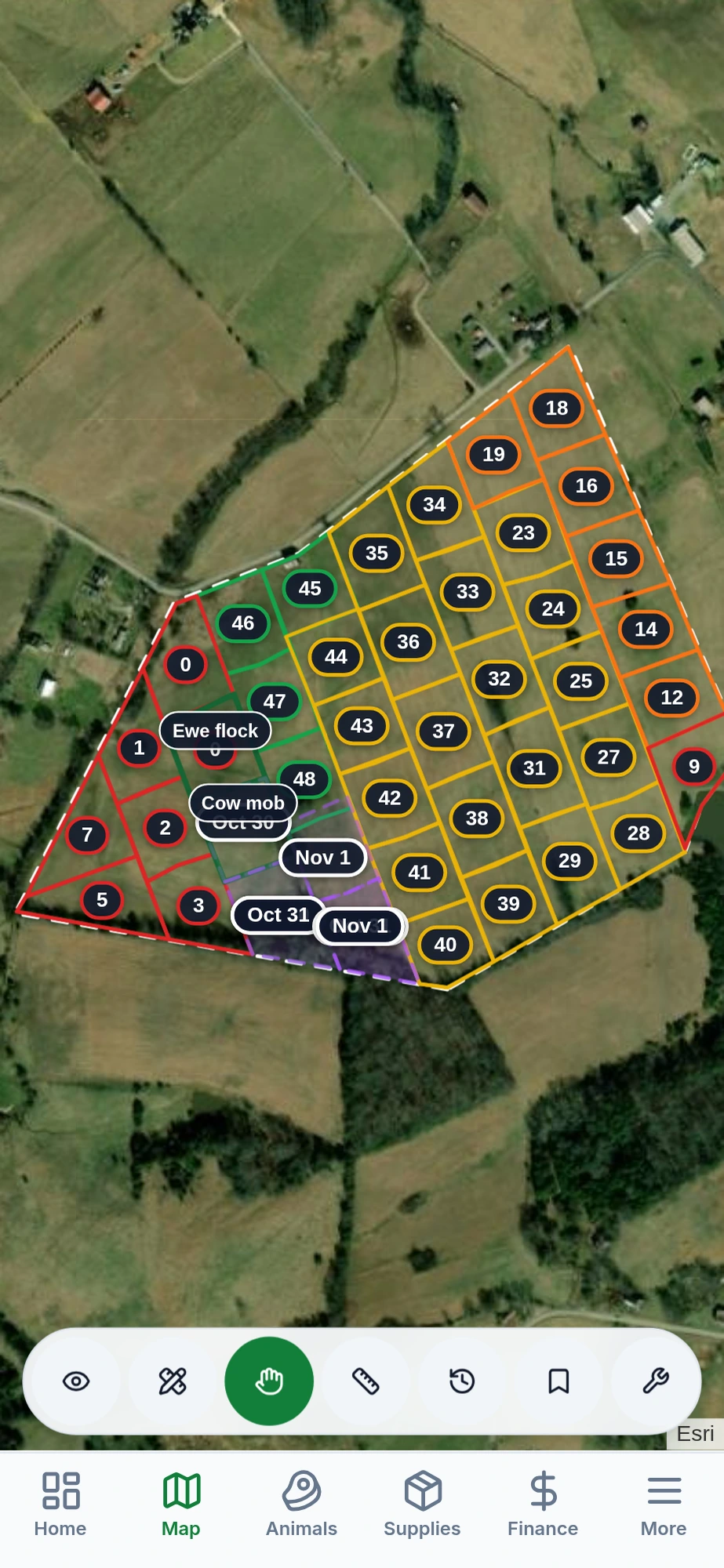
Rest days on the map for every paddock, from a temporary polywire paddock moved daily to a permanent paddock on long rest. Works with no signal. Free for one person on one device, no account needed.
Opens in your browser. Nothing to download.
Free, no account
Works with no signal
Records stay on your phone
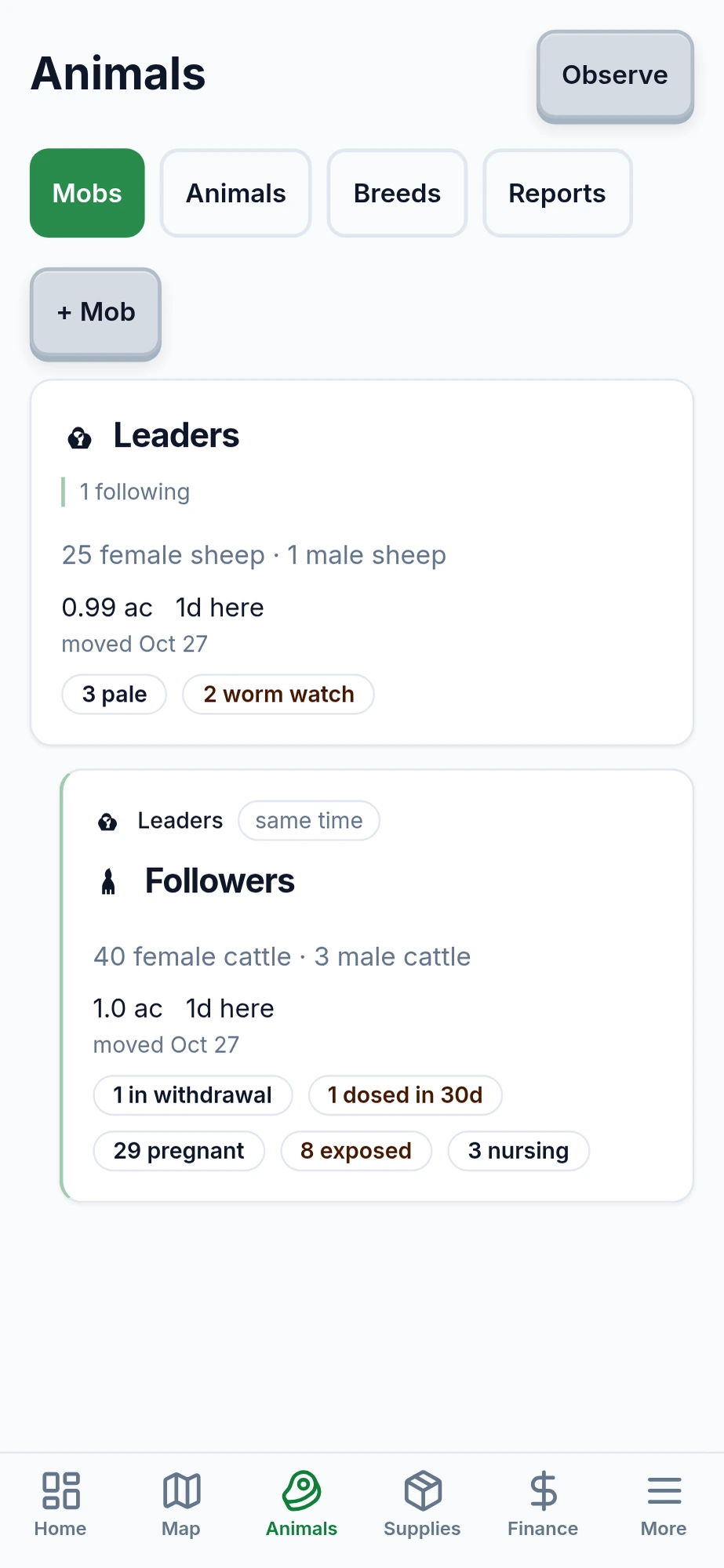
Cattle and sheep, leader and follower
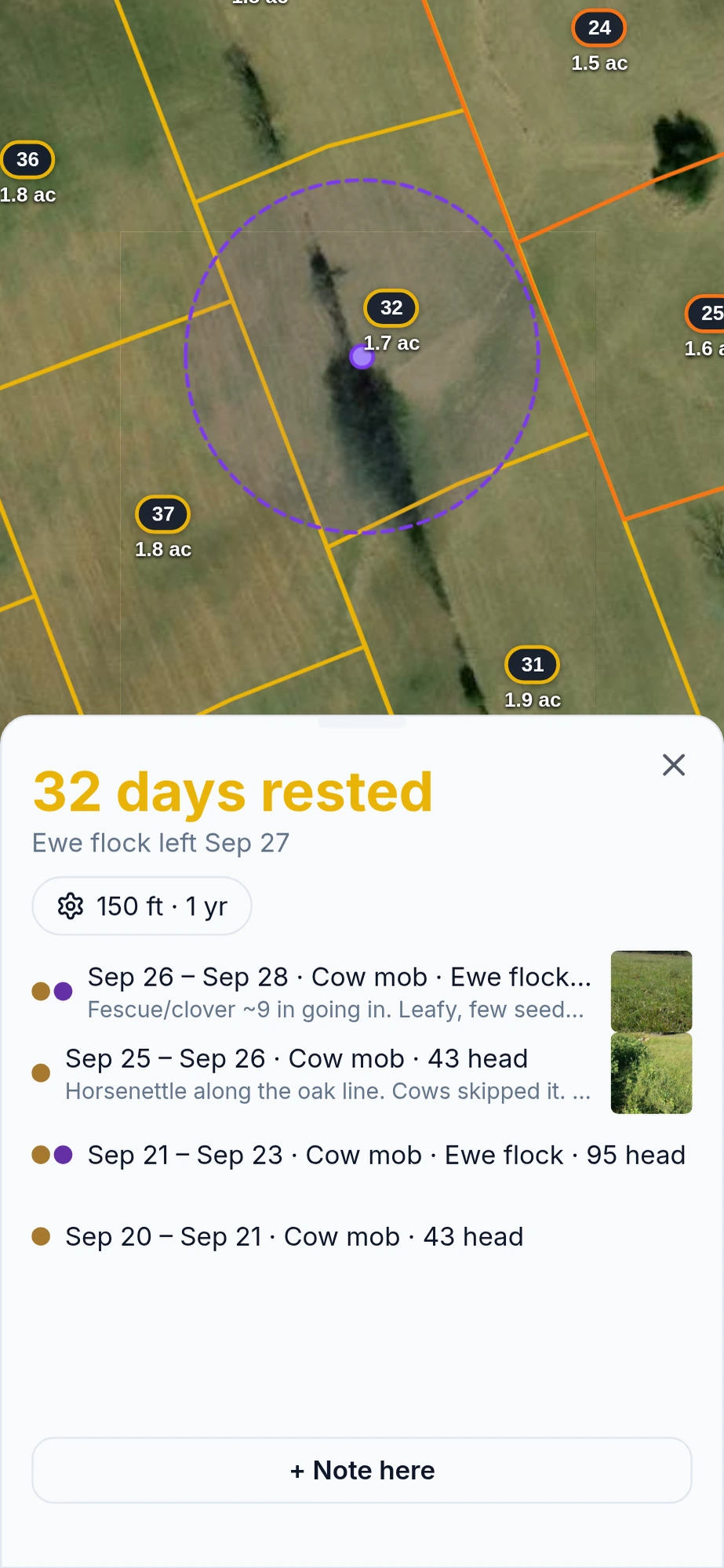
Rest days for the next paddock
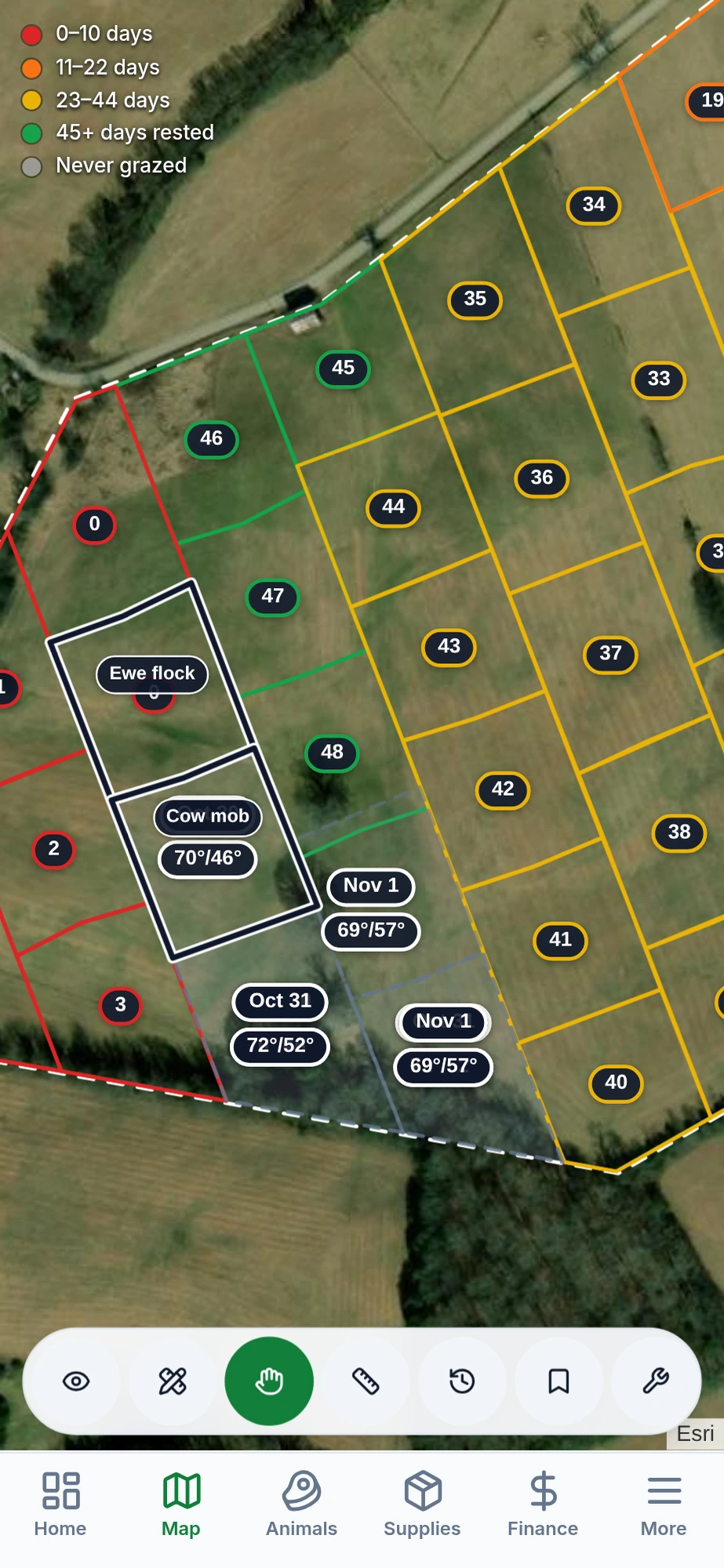
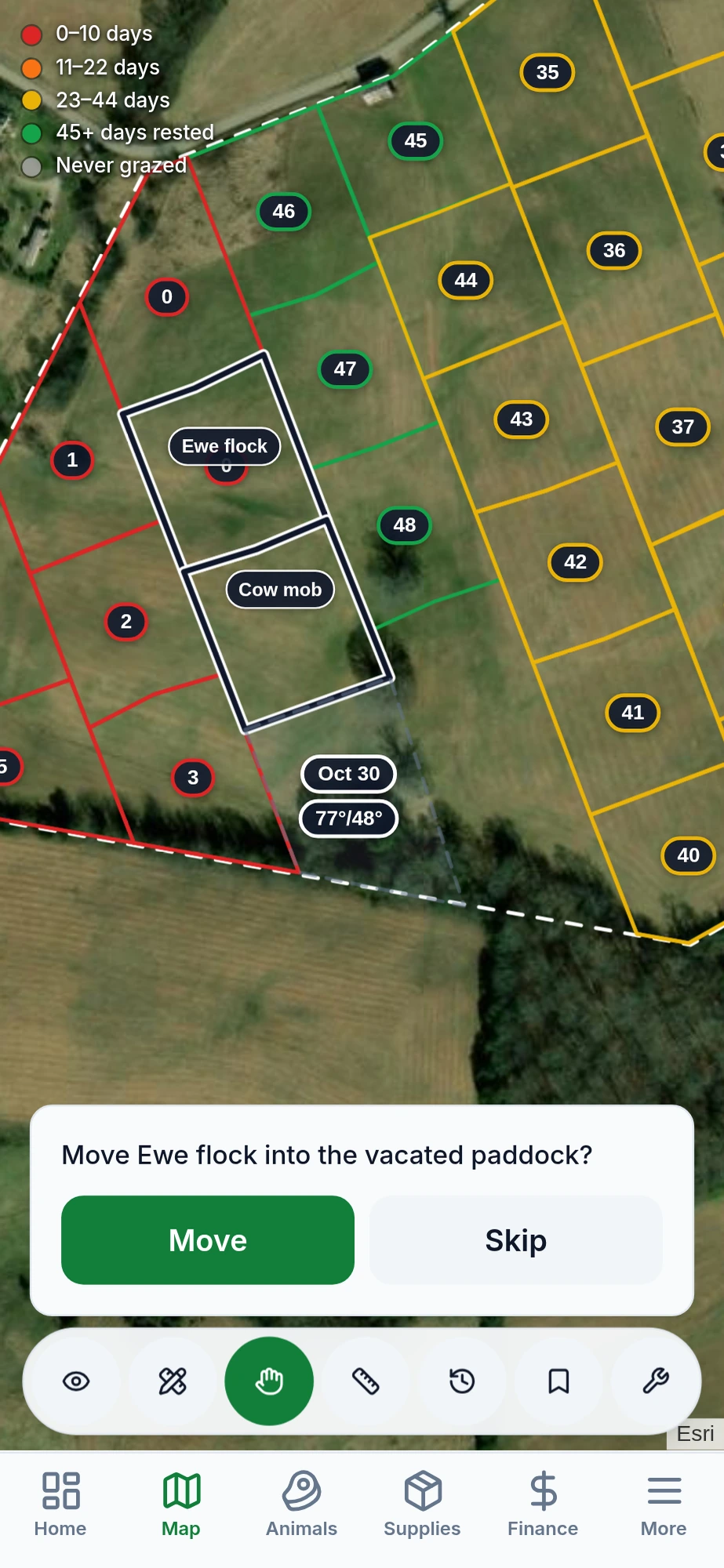
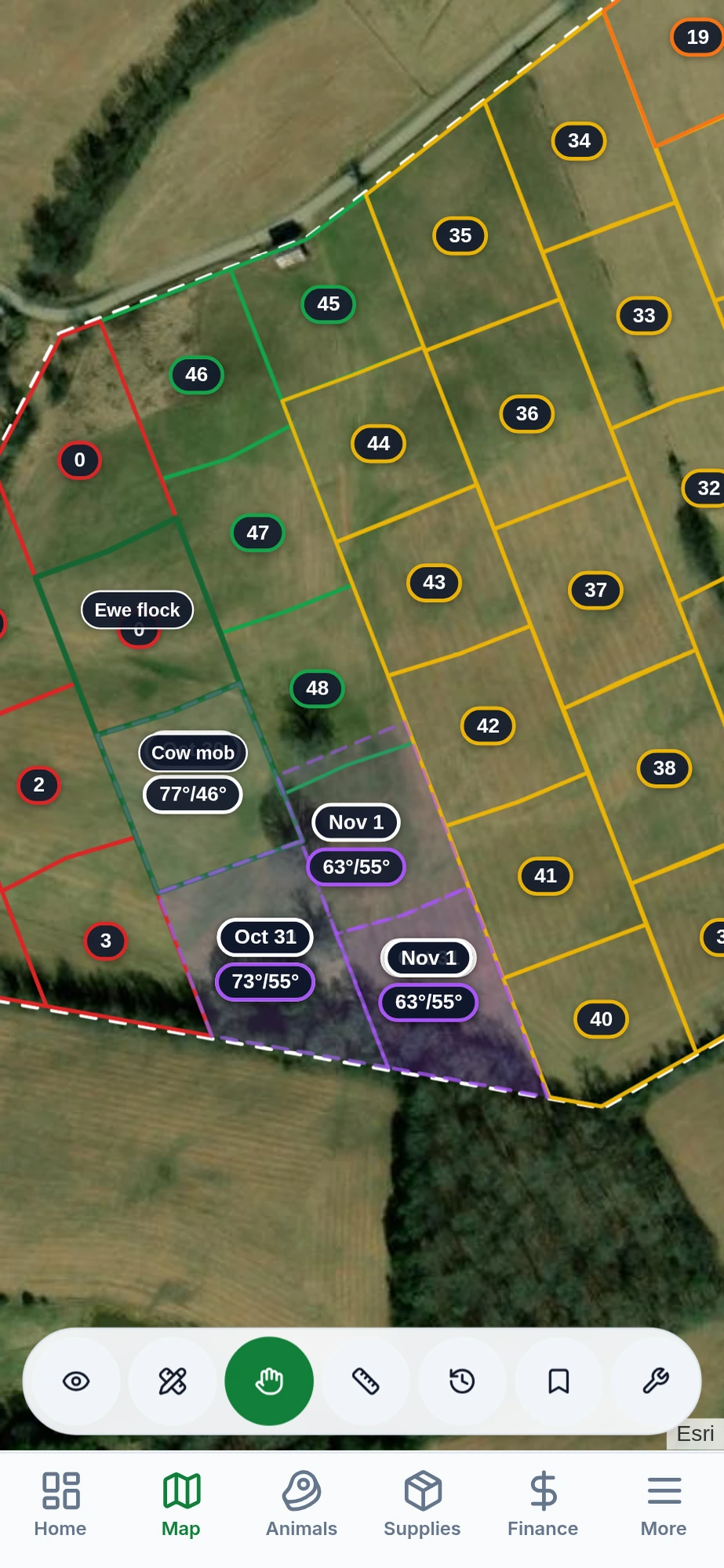
- Where the mob can go next. Every paddock counts rest days from the day the mob left. Move when the forage has recovered, not when the calendar says.
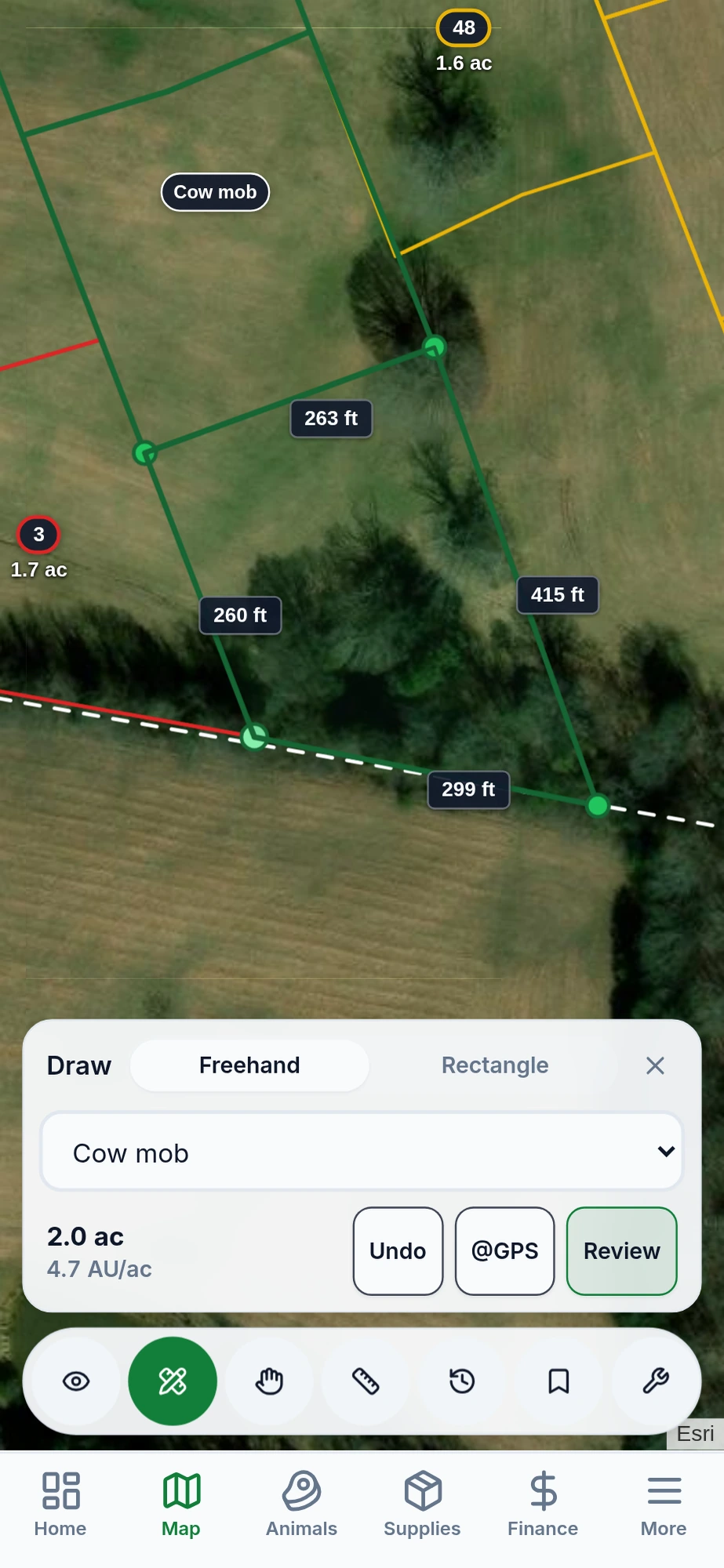
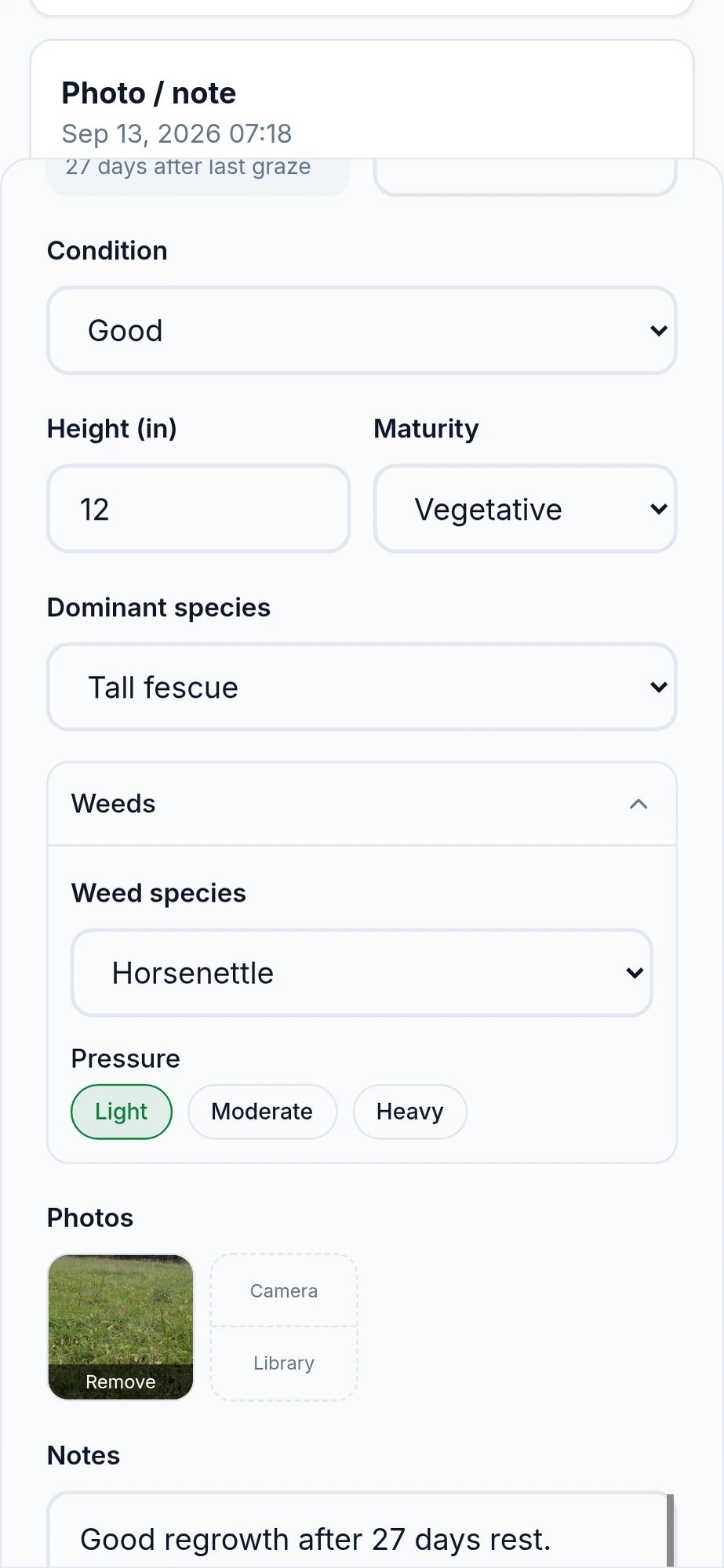
- Fence the next paddock. Mark corners on the map, or drop one from where you stand. A temporary polywire paddock and a permanent paddock use the same tool. Each move records when the mob went in, and rest days start counting when they leave. Add forage height, maturity, condition, and a photo if you have a minute.
- Let a mob follow. Optional: put sheep, or any follower mob, straight onto the block the leader just left.
- Look back at that ground. Tap any spot to see past paddock outlines, forage notes, and photos, and compare this pass to the last one.
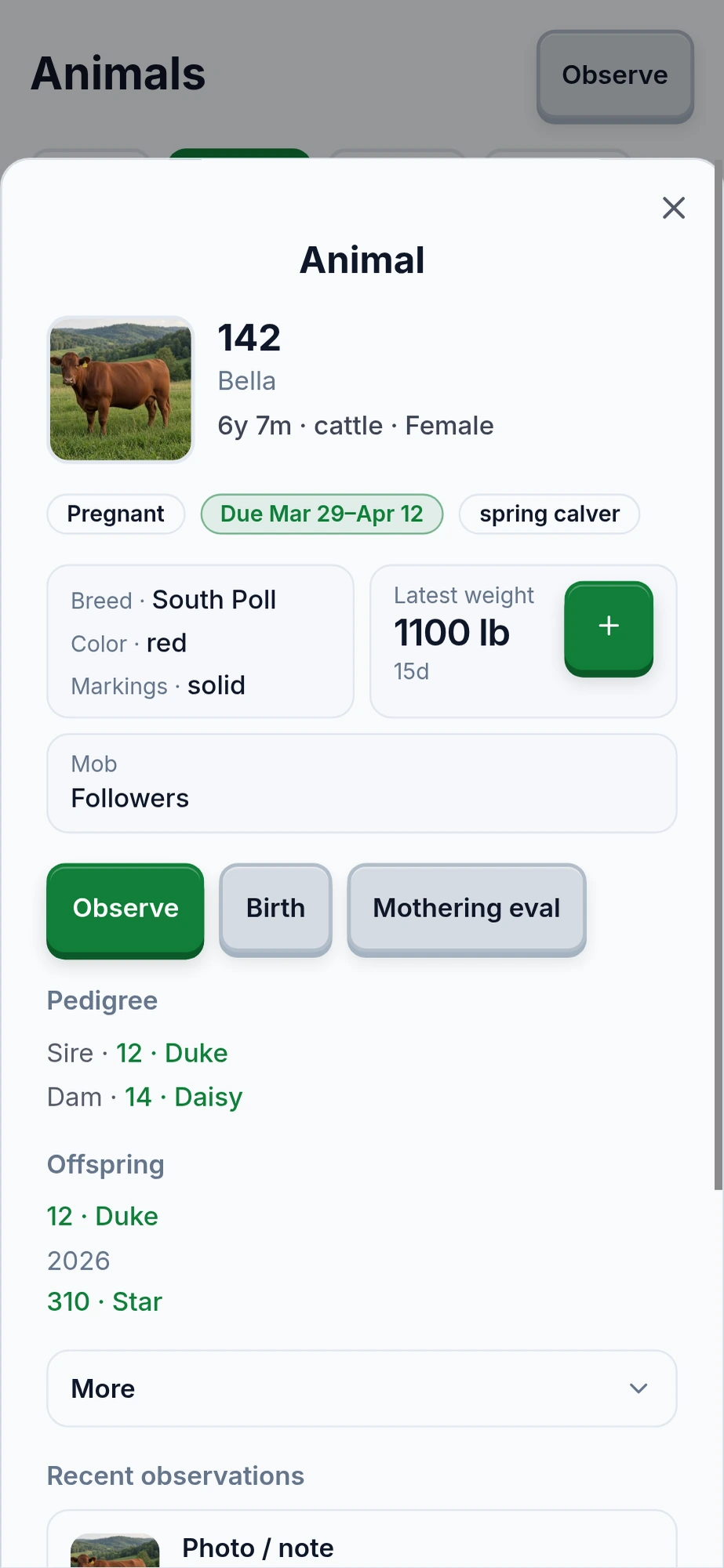
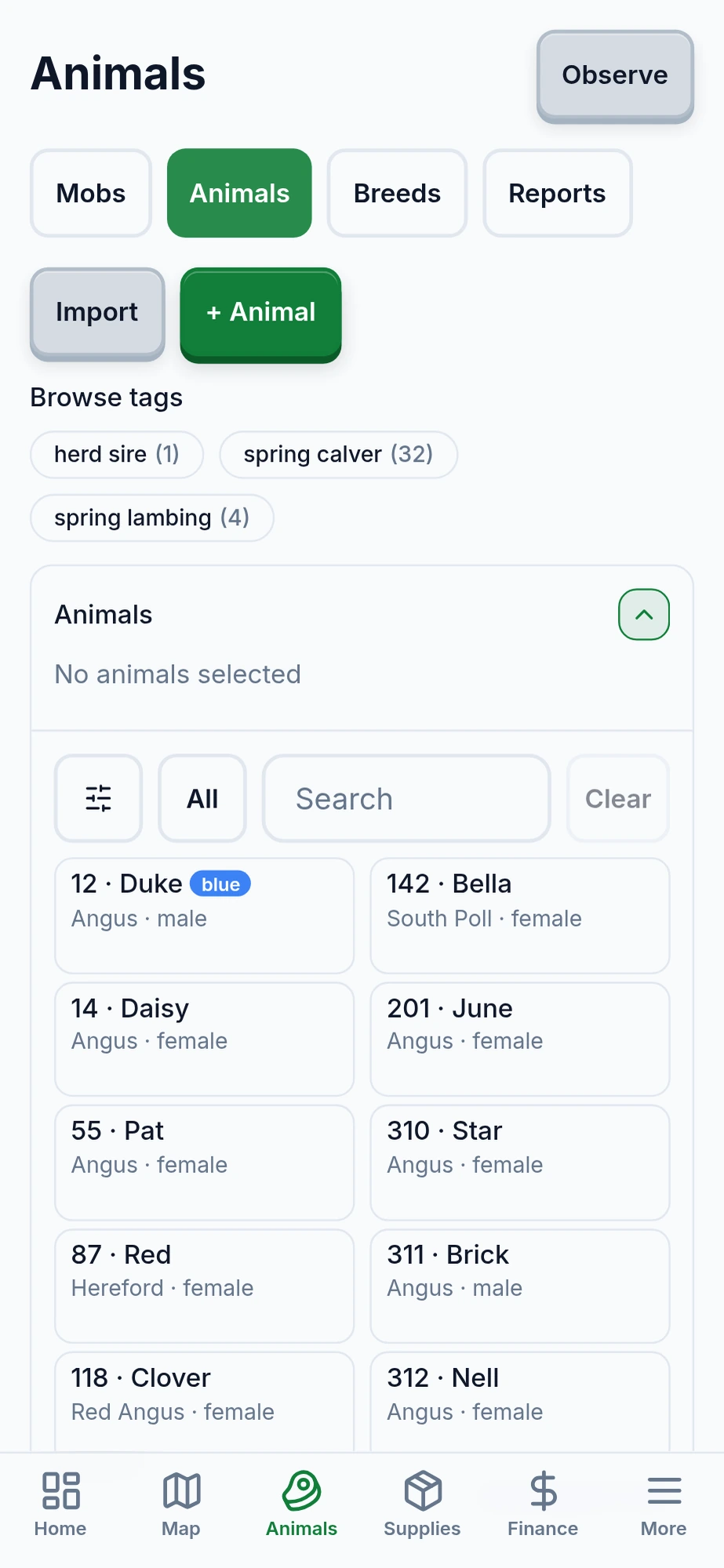
A record for each animal
- Who the animal is. Tag, name, photo, species, and breed. Pedigree stays intact after an animal is sold or dies.
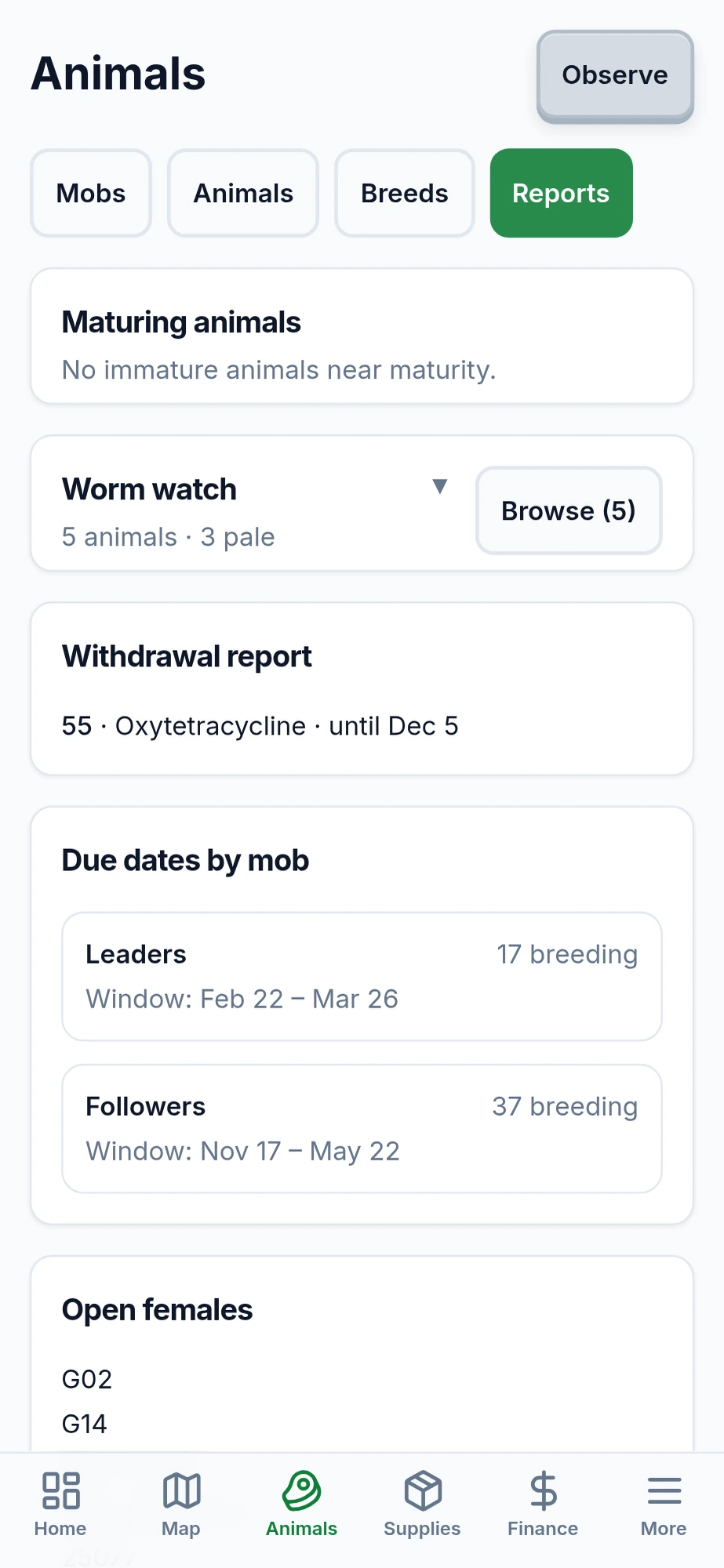
- The chute and the breeding record. Weights and body condition. Breeding, due windows, births, and nursing.
- Treatments and leaving the farm. Treatments with withdrawal days. Sales, deaths, and butcher dates. Reports for withdrawals, due dates, and latest weights.
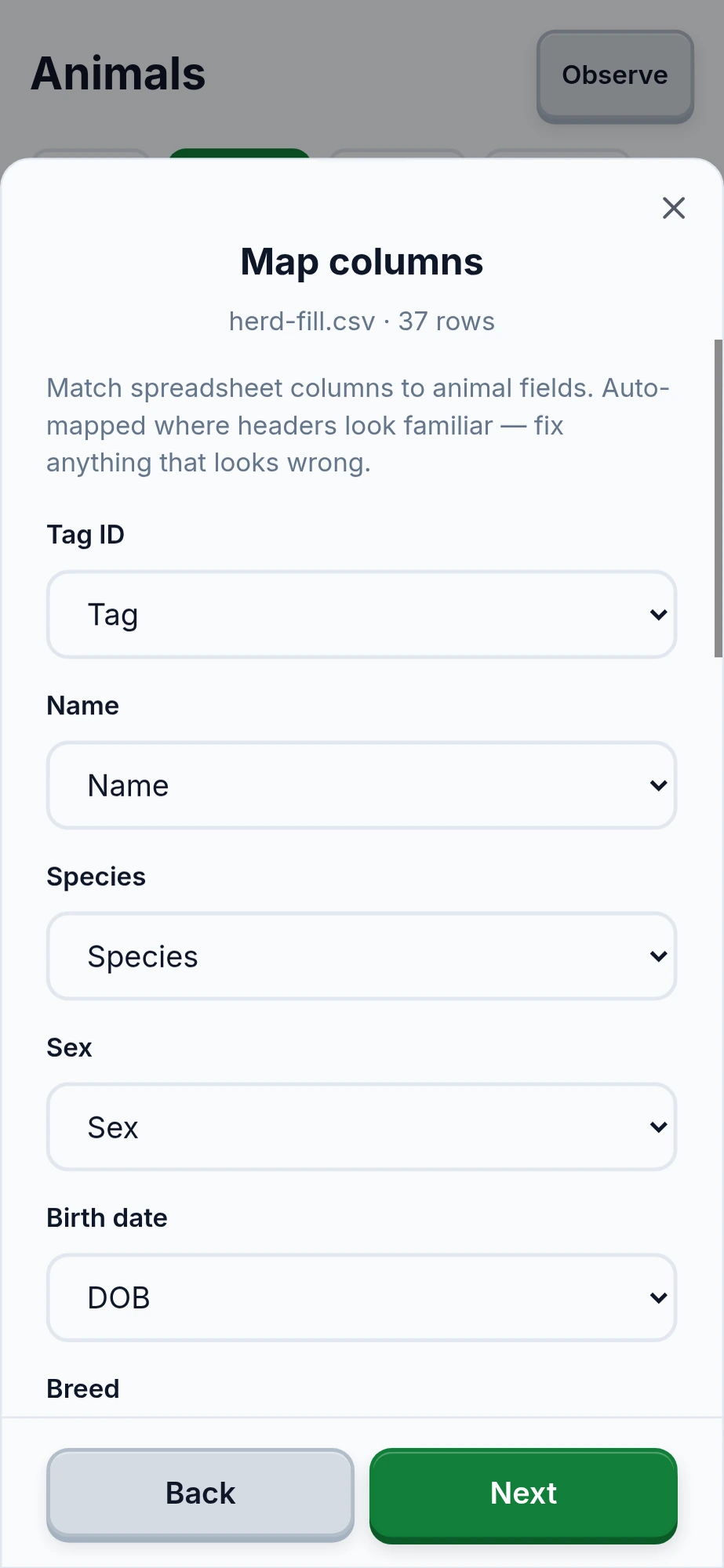
- Bring your spreadsheet. Import from Excel or CSV. You don't need to set up mobs to keep records. Cattle, sheep, and goats are built in, and you can add other species.
Forecast on the next move
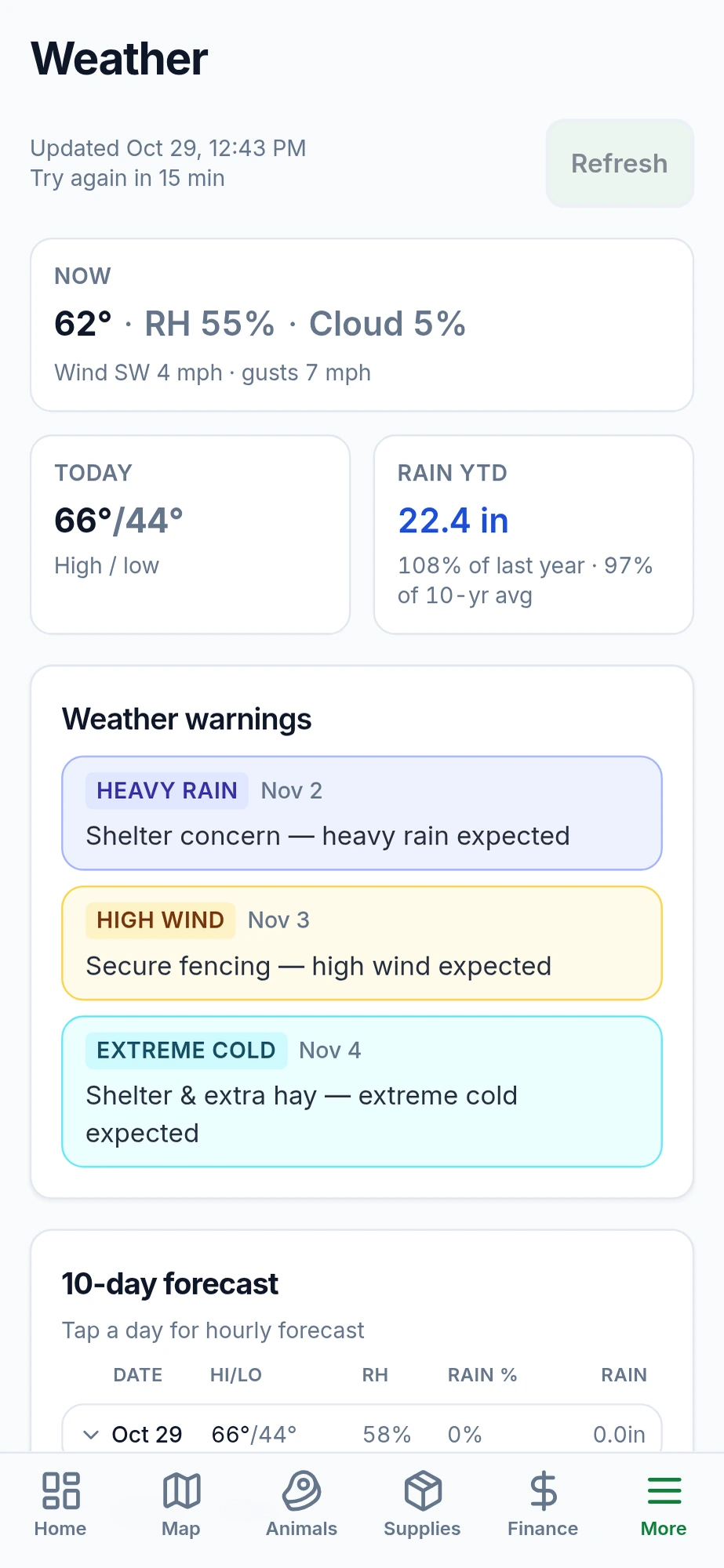
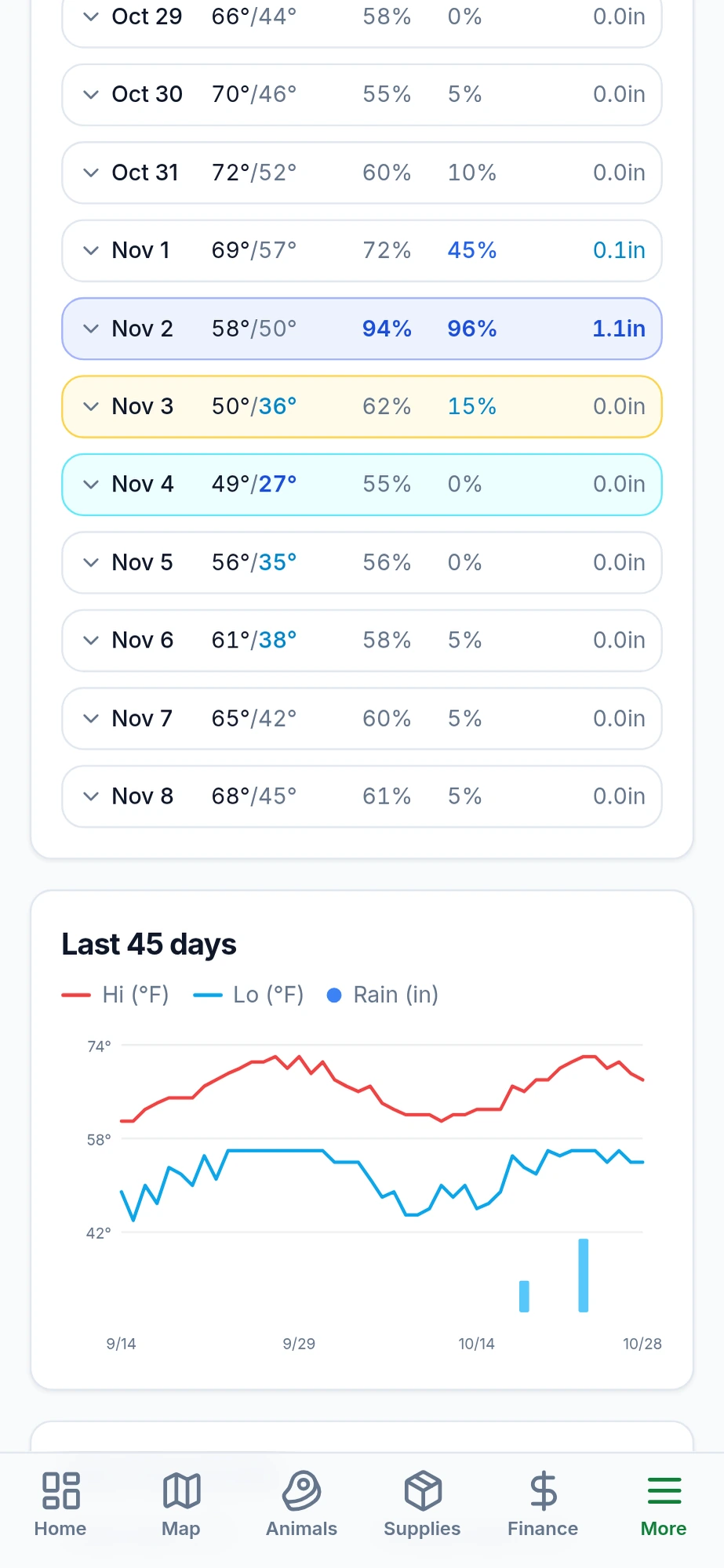
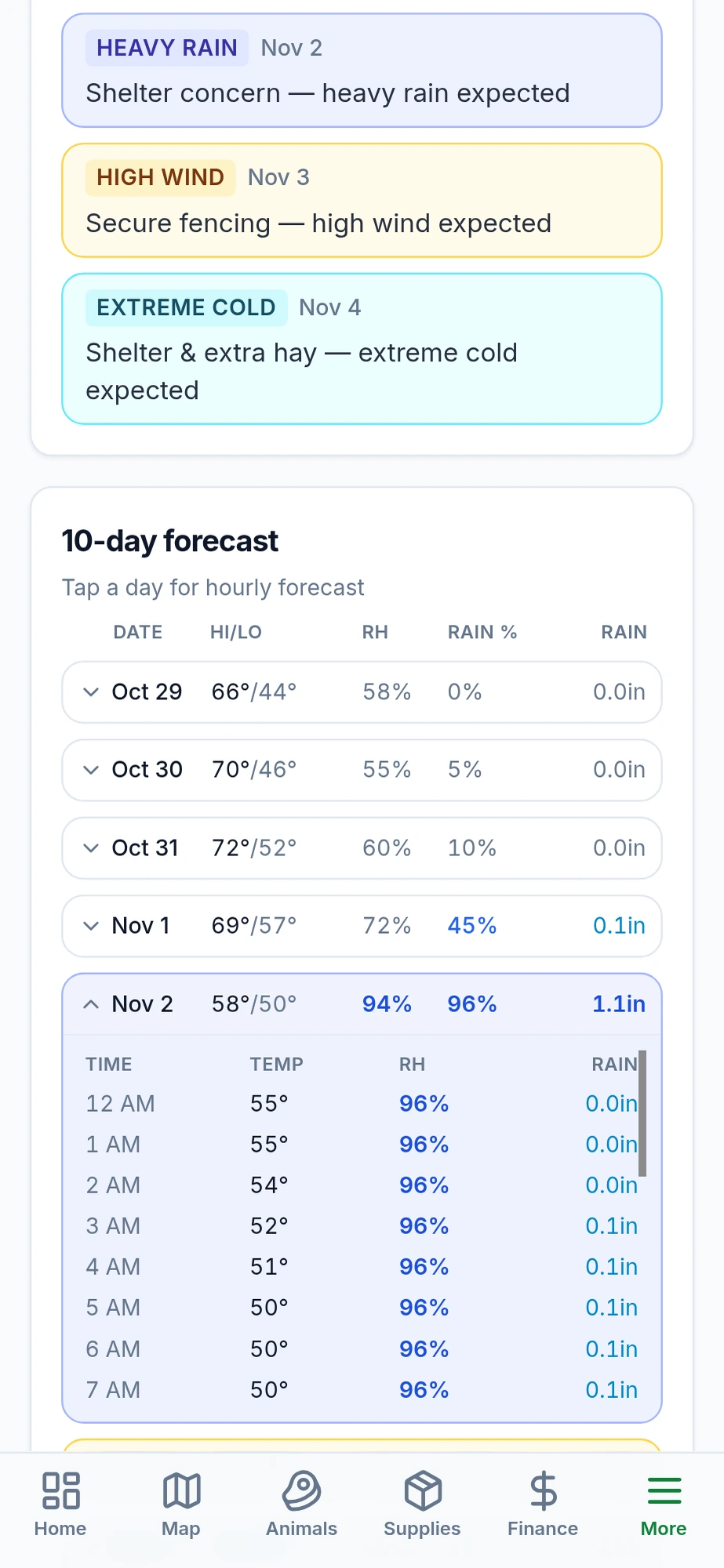
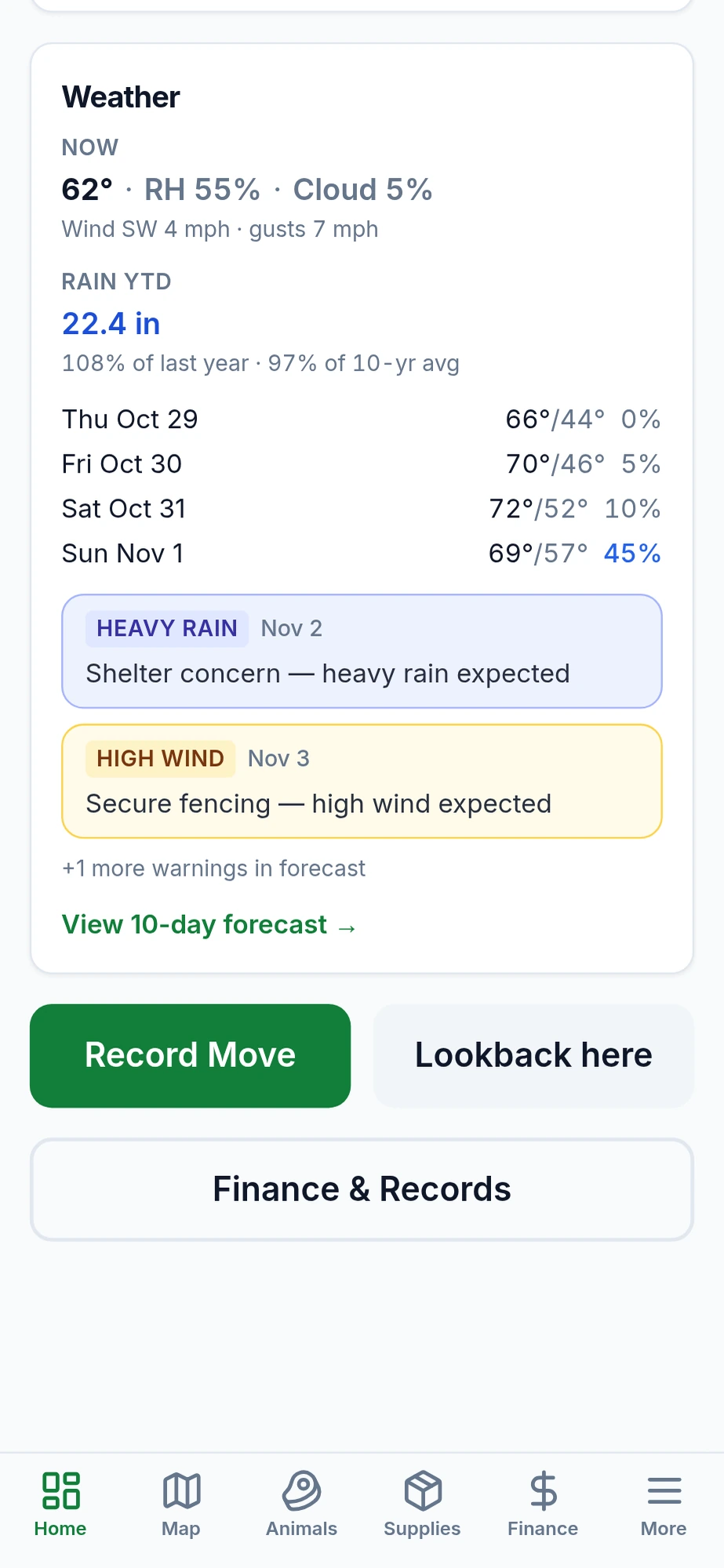
When you plan the next paddock, that day's forecast sits on the move. You also get the days ahead, rain since the start of your growing season, and a warning when conditions cross a threshold you set.
The forecast refreshes when you have signal. The last one stays on your phone for the pasture, and grazing records never wait on it.
The rest of the farm record
- Animals and mobs — the records above, plus spreadsheet import
- Weather — forecast, history, and alerts, with the last fetch usable offline
- Map — where the mobs are, with rest-day chips on grazed ground
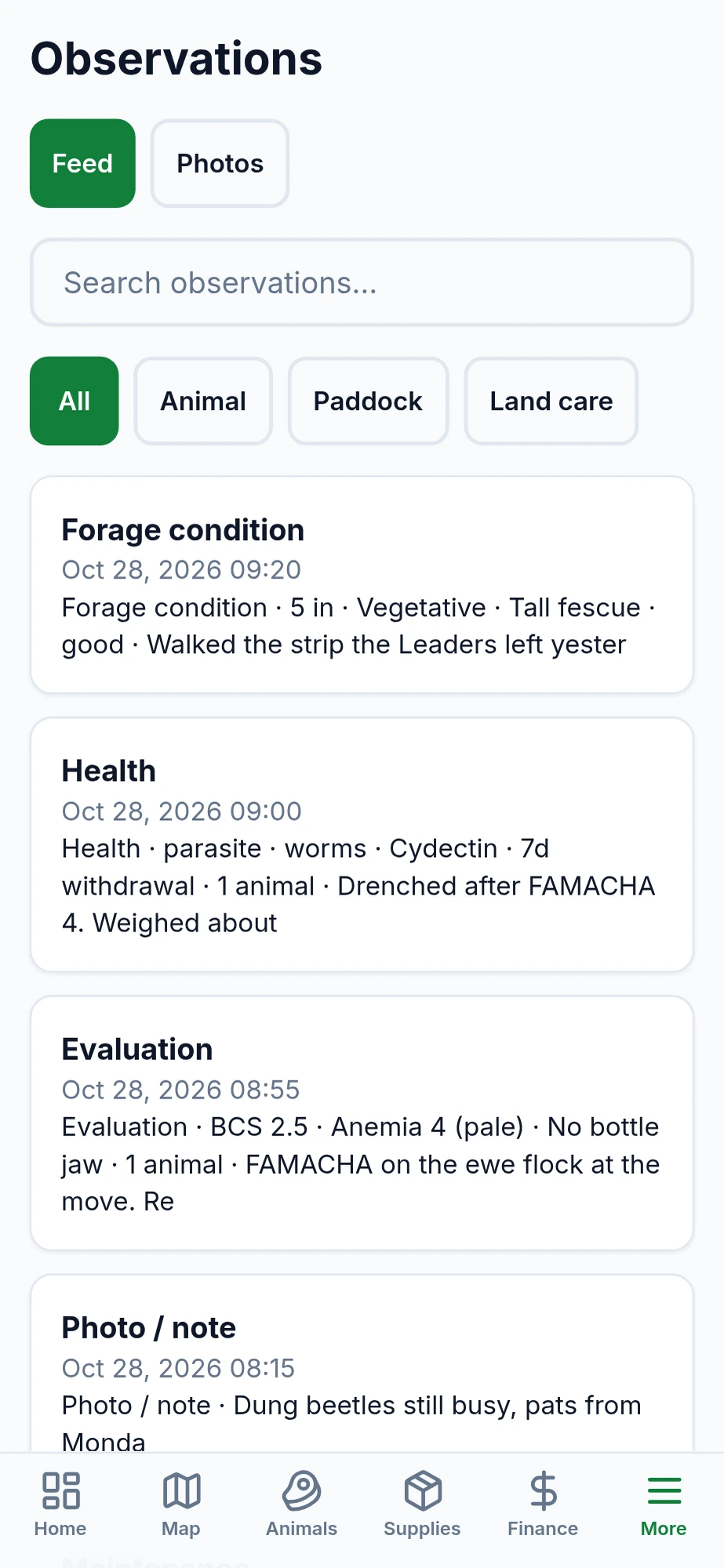
- Observations — forage, animal, and maintenance notes, with photos
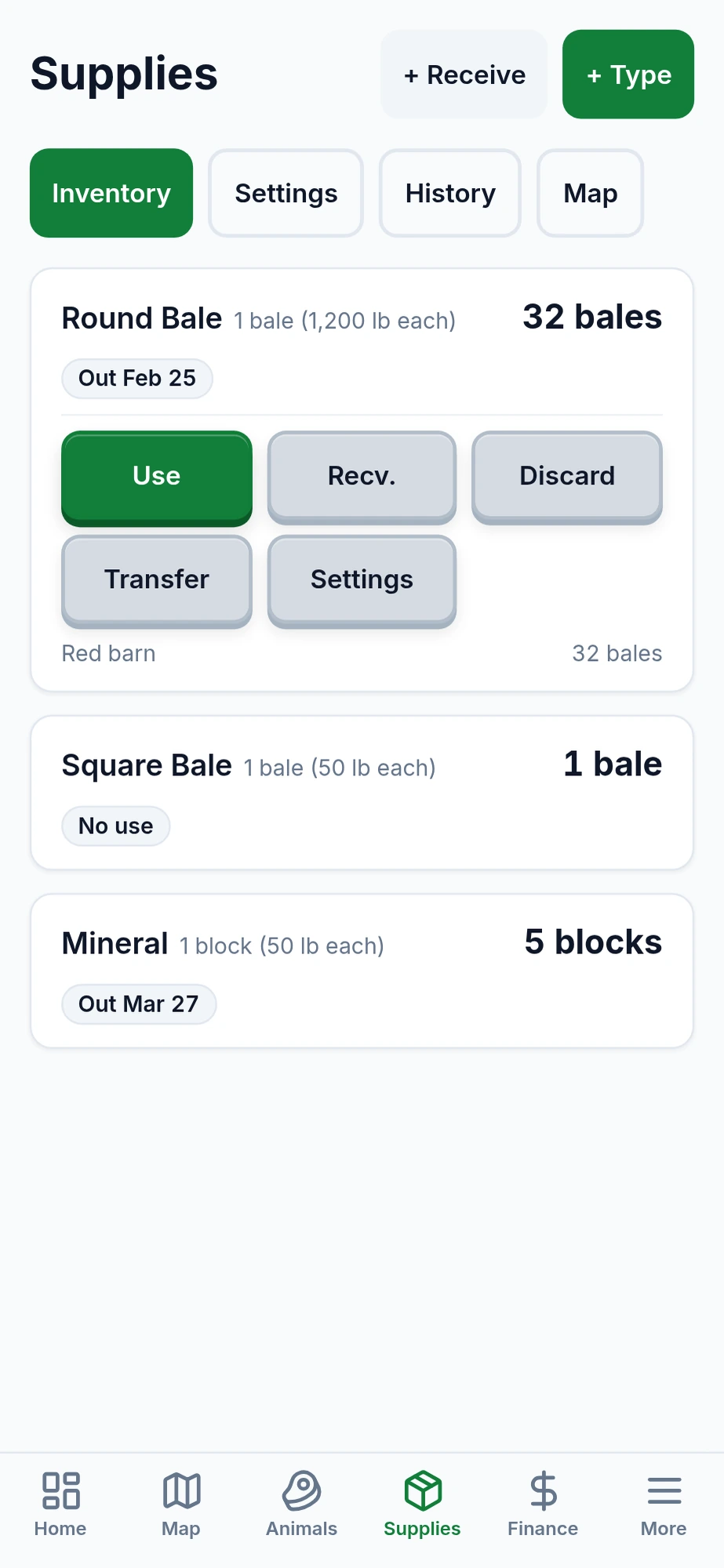
- Supplies and farm features — water, fence, bales, and mineral
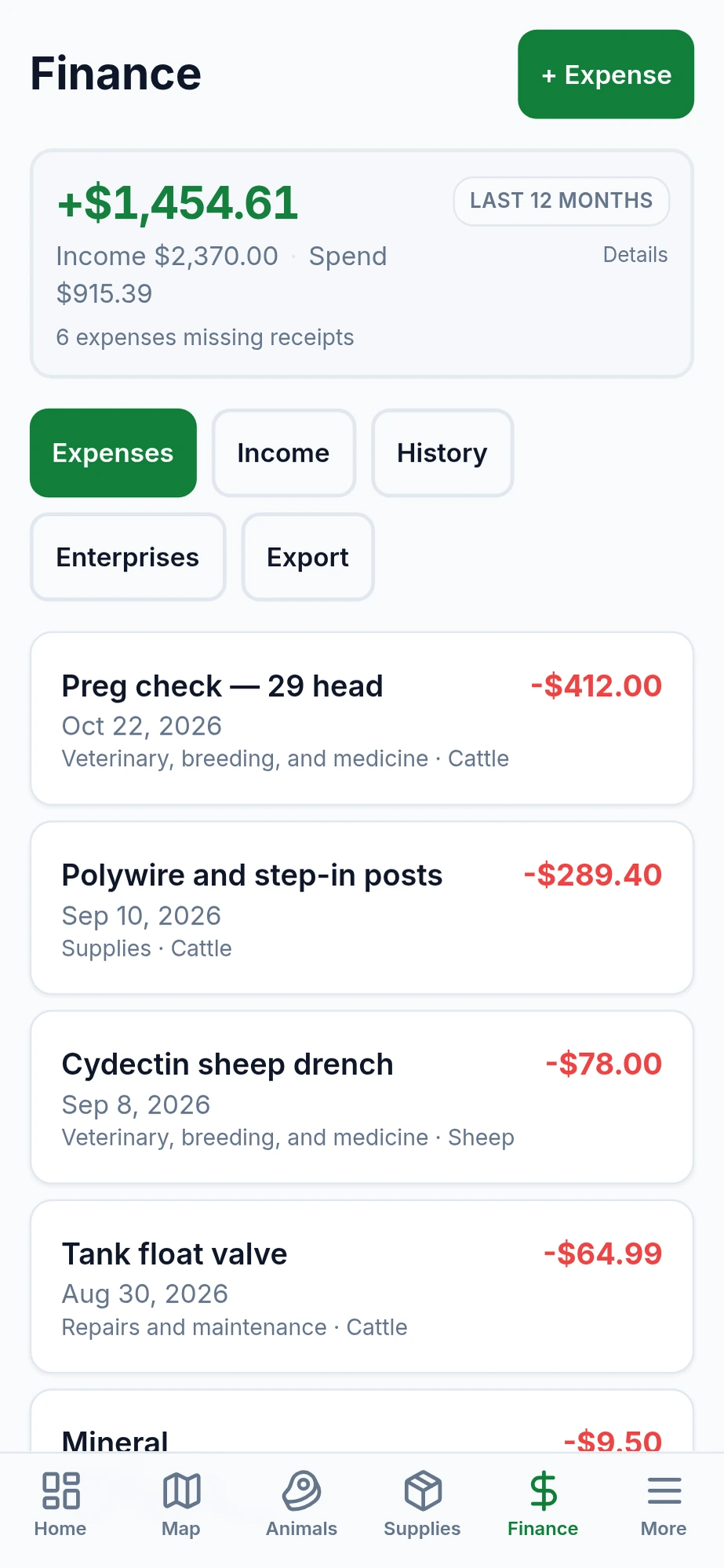
- Income & expenses — sales and costs sorted into Schedule F categories, with a CSV export for tax time
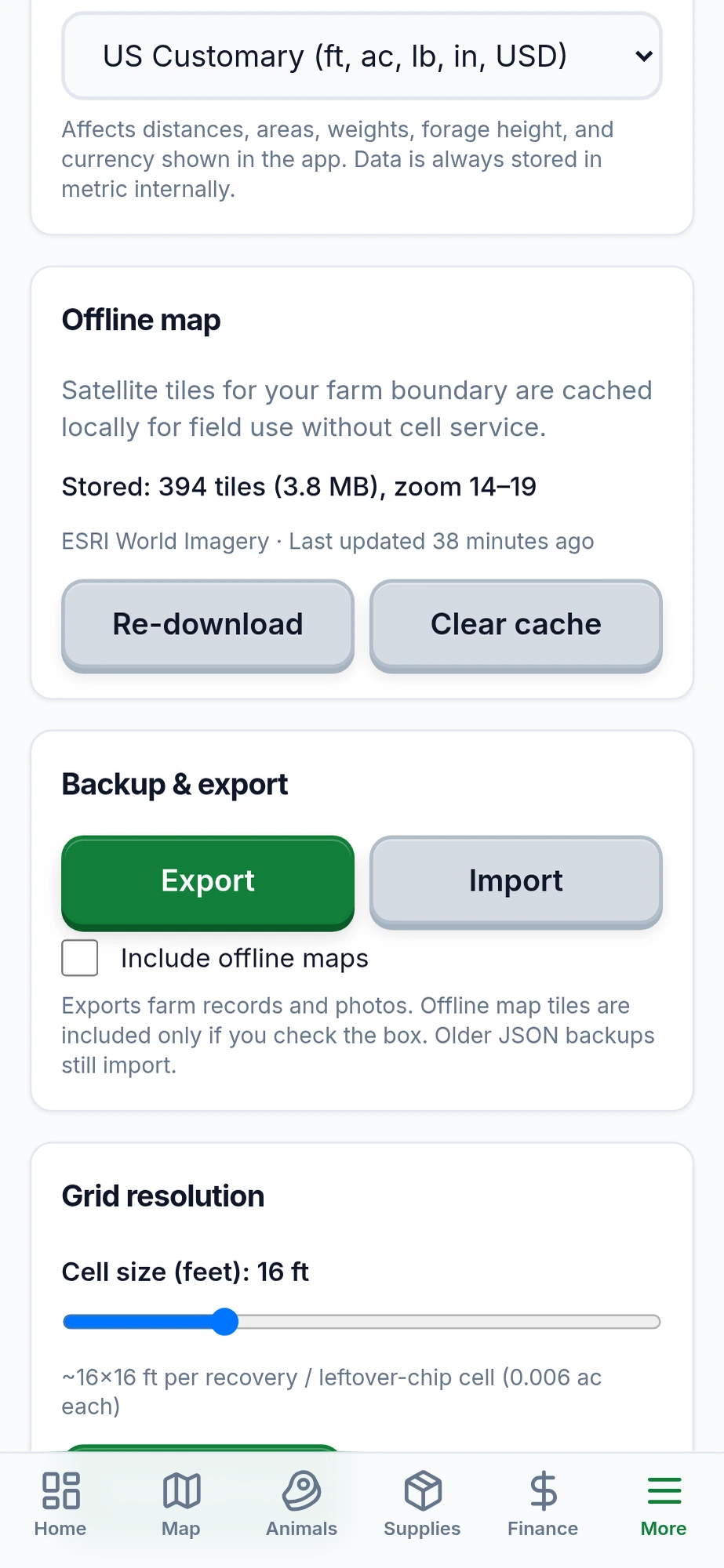
- Backup — a restore file to move the farm to a new phone or keep a safe copy
Keep the farm with you
- Open the app once in your phone's browser.
- iOS: tap Share, then Add to Home Screen.
- Android: open the browser menu, then tap Install or Add to Home Screen.
Built by a grazier who left aerospace engineering to farm regeneratively in East Tennessee. Free for one person on one device. About